
SynchCast is a Windows and Mac app that plays whatever’s on your laptop through several headphones and speakers at once. Everyone hears it at the same moment — and it stays that way for the whole film.
No drivers needed • No admin rights • 30-day full trial
SynchCast was built for the moments when one pair of earbuds just isn't enough.
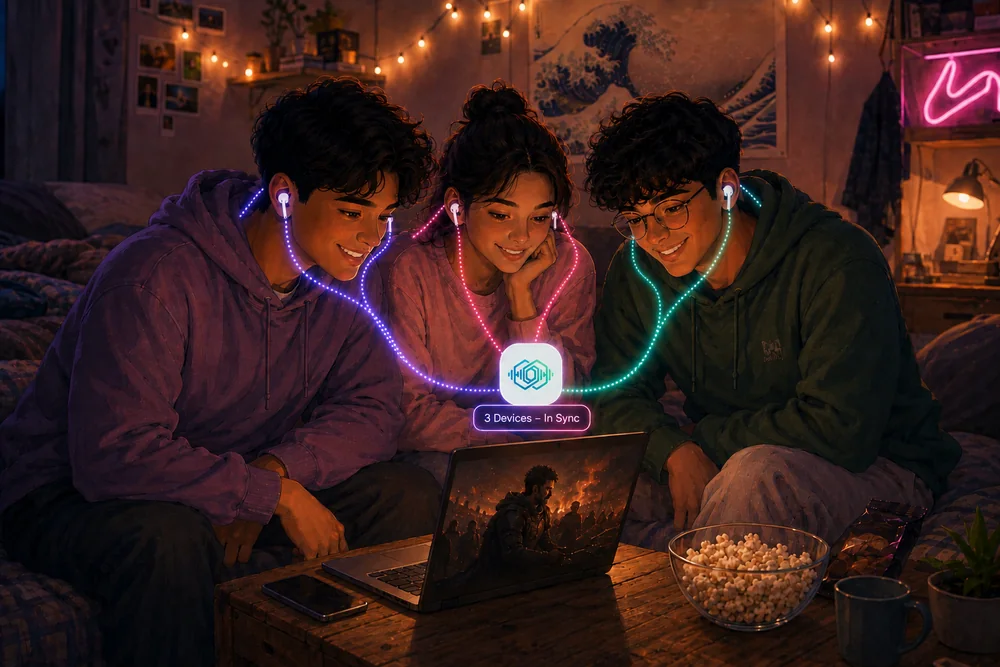
Plan a movie night without disturbing your roommate — every friend connects their own headphones to one laptop screen. No speaker needed, no one gets bothered.
Dorms • Shared Rooms • Late Nights
Watching a movie on a train or bus? Each of you connects your own Bluetooth earbuds to the laptop — no sharing, no ambient noise, perfectly synced audio.
Travel • Flights • Commute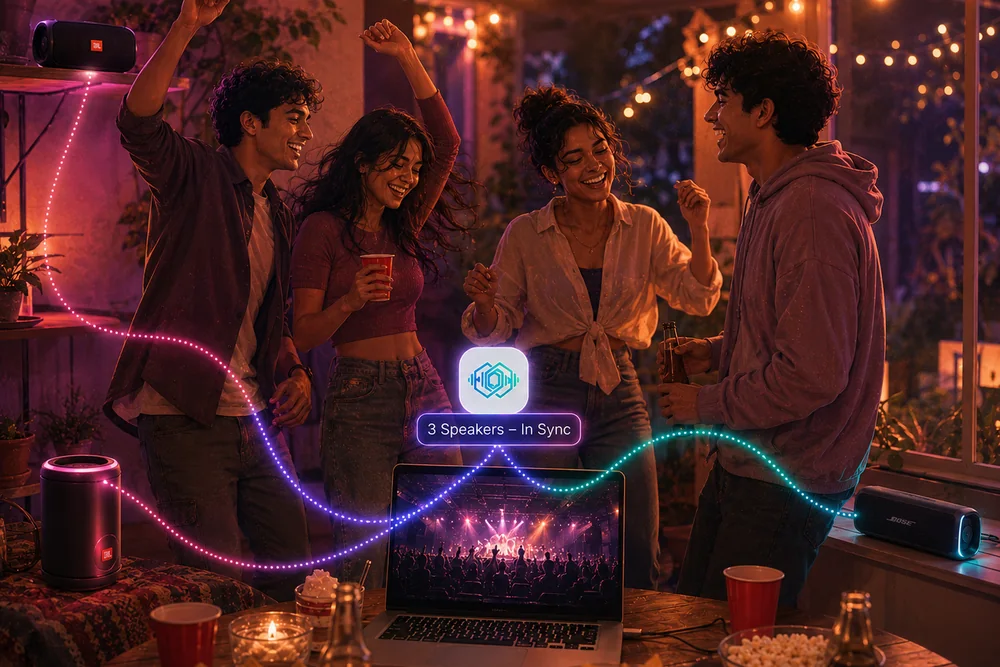
Connect multiple Bluetooth speakers around the room and fill every corner with perfectly synchronized music — all from one laptop.
Parties • BBQs • OutdoorNo drivers, no configuration files, no technical knowledge needed.
Download and run the installer. No admin rights needed — it works right out of the box.
Toggle on the Bluetooth earbuds, speakers, or wired devices you want to broadcast to.
Press Start Broadcasting — your music, movies, or calls now play on every selected device in perfect sync.
Professional audio broadcasting without the professional complexity.
Whatever your laptop is playing goes to all your headphones and speakers together. Bluetooth or plugged in, it doesn’t matter.
Separate volume slider for each device. Give the speaker full blast while keeping earbuds at 30% — your call.
Devices slowly drift apart on their own — that’s why other setups start echoing after a while. SynchCast keeps correcting it, so a 3-hour film still lines up at the end.
Friend arrives late? Connect their earbuds while everything’s still playing. They appear straight away — nothing to restart.
Install in one click, connect your devices, and press play. That’s it.
Tuck it away next to the clock and forget it’s there. It keeps everything in sync while you watch.
Toggle devices on, adjust volume, hit broadcast. That's it.
 SynchCast
No subscriptions. No hidden fees. Buy once, use forever.
Full access to every feature, forever
In India?
We price SynchCast for Indian purchasing power — ₹299 instead of $10.99. Your browser will ask to share your location to confirm it.
Paying from outside India?
Everything you need to know before you download.
SynchCast runs on Windows 10 and 11, and on Macs with macOS 14.2 (Sonoma) or later — both Apple Silicon and Intel. The Mac version needs macOS 14.2 because that is when macOS added the system-audio capture it relies on. There’s no Linux version.
No. Nothing extra gets installed and you won't be asked for an admin password — just install it and open it. If you're weighing it up against VoiceMeeter, Virtual Audio Cable or Windows 11's Shared Audio, this comparison covers all four.
Up to about 5 at once. There's no limit built into the app, but most laptops start to struggle past five, so that's the honest number for playback without glitches. Most people use 2–3. SynchCast tells you roughly how many yours can handle.
No. Devices naturally drift apart over time — that's what makes other setups start echoing. SynchCast keeps correcting for it while you watch, so you can run a 3-hour movie and every device is still lined up at the end.
During the trial you get every feature unlocked with no limitations. After 30 days, you'll need to purchase a lifetime license ($10.99 one-time worldwide) (₹299 one-time in India) to continue using SynchCast. No subscription — pay once, own it forever.
The license is valid on 1 device at a time. To move to a new PC, open the app on the old one and click "Release this seat" — that frees up your licence — then enter the key on the new machine.
If the product does not work for you, please send an email to support@synchcast.app with your activation code and the email address used for purchase within 14 days of purchase. We will initiate your refund within 3-5 working days.